Design documents visually
Start from a polished layout, then arrange sections, colors, spacing, logos, and paper sizes in a clear visual editor.
Order documents made simple
Design, print, download, and send professional invoices, packing slips, receipts, and more—right from Shopify.
One calm place for every document
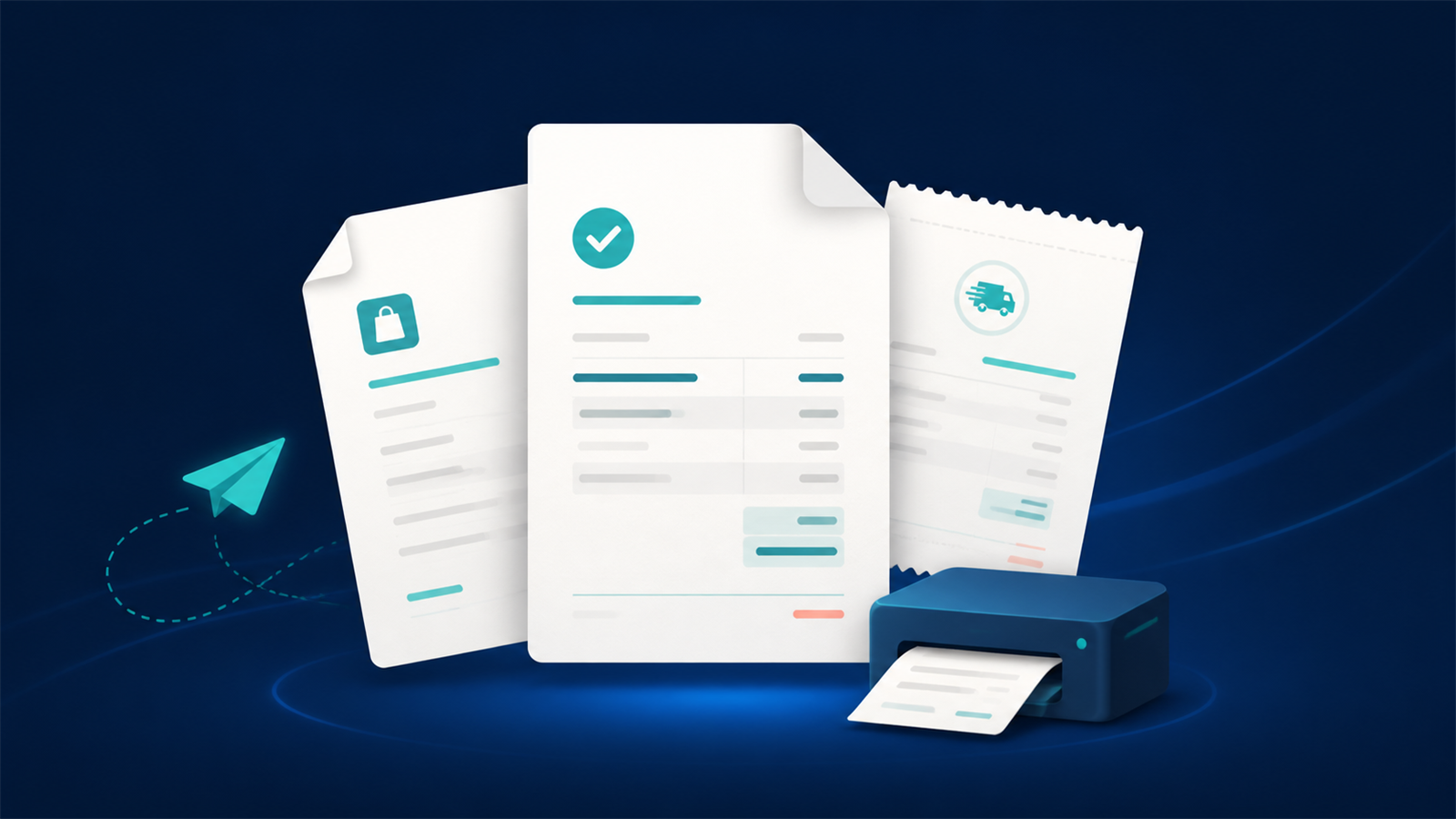
Docket keeps the routine work simple while giving you the control needed for real stores, teams, and tax requirements.
Start from a polished layout, then arrange sections, colors, spacing, logos, and paper sizes in a clear visual editor.
Print a single invoice from an order or prepare a merged PDF, ZIP, or CSV for a filtered group of orders.
Deliver documents after payment, fulfillment, refunds, or another event you choose—with safeguards against duplicate emails.
Set prefixes, number length, yearly resets, and separate sequences for locations or markets while preserving issued numbers.
Offer secure downloads in customer accounts and order status pages, and generate documents from Shopify POS.
Show tax and business details, use Shopify custom fields, translate document labels, and support right-to-left layouts.
A better daily workflow
Work inside the Shopify admin you already know. Docket uses a real order for previews, keeps saved versions of your designs, and shows what happened when a document is created or sent.
Learn about the visual editor →Pick the document closest to your store and duplicate it.
Add your logo, colors, business details, sections, and paper size.
Check a real order, download a PDF, then turn on delivery when ready.
Straightforward pricing
No card details are collected by Docket. Shopify handles plan changes and billing.
Free
Create and download professional documents, with room to try automatic delivery.
Pro
Remove limits and send polished customer documents from your own domain.
Or $90 per year. Prices are in USD.
Privacy with plain answers
Docket requests the Shopify information needed for the features you use. It does not sell personal data or use it for advertising. Private files use links that expire, and the privacy policy explains what is kept and for how long.
European hostingWeb, database, and private file storage are hosted in Europe.
Expiring linksCustomer and export downloads use secure, time-limited links.
Clear retentionRetention periods and uninstall deletion are explained publicly.
Help that respects your time
Every guide uses the same names and steps you see in the app, with practical checks before you send anything to a customer.
Visit the help center →Good to know
No. The visual editor handles normal document design. An optional advanced code view exists for experienced users, but it is not required.
No. Docket opens inside Shopify Admin and uses Shopify sign-in, so there is no separate password to manage.
Yes. Choose a real order as preview data and send a test to an address you control before activating automatic delivery.
Docket reuses the invoice number already assigned to that order and document type. It does not create a second number just because delivery needs another attempt.
Ready when your store is
Start with the setup guide, preview a real order, and create your first polished PDF.